

How to Change wp-admin Login in Wordfence Security Without Breaking Your Site
One of the most common entry points for WordPress attacks is the default wp-admin login page. Hackers often use bots to brute-force their way into websites through this predictable access point. That’s why changing your wp-admin login URL is a smart move to reduce your exposure to automated attacks.
If you’re using Wordfence Security, you might be wondering: Can I change the wp-admin login URL safely using this plugin? Let’s walk through it.
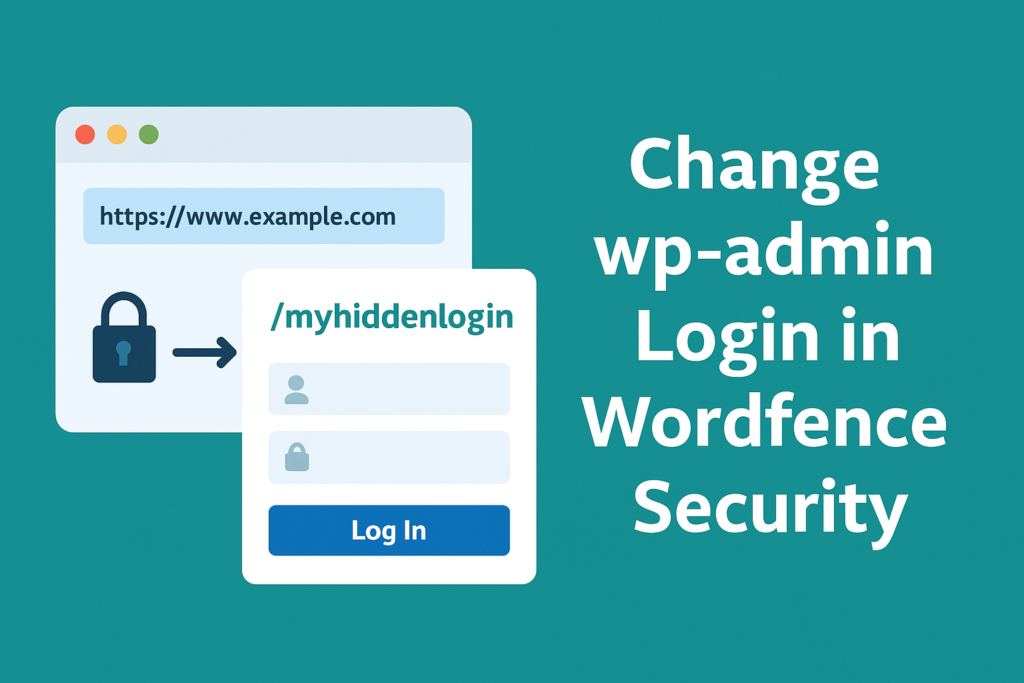
Why You Should Change the wp-admin Login
Leaving the login page at yoursite.com/wp-admin or yoursite.com/wp-login.php is like leaving your front door wide open with a sign saying “Enter Here.” Bots scan the web for these URLs all day long. Once they find them, they attempt to guess your credentials.
Changing the login URL doesn’t make your site hack-proof, but it does add an extra layer of obscurity that keeps automated scripts at bay. It’s a simple, low-effort way to reduce your attack surface.
Does Wordfence Let You Change the wp-admin URL?
Here’s the truth: Wordfence Security itself doesn’t have a built-in option to change the wp-admin or wp-login.php URL. However, you can combine Wordfence with a specialized plugin to achieve this safely.
Recommended plugin: WPS Hide Login
This lightweight plugin lets you rename your login URL without modifying core files or rewriting rules. It’s fully compatible with Wordfence and other major security plugins.
How to Change the wp-admin Login URL with WPS Hide Login + Wordfence
1. Install and activate WPS Hide Login from the WordPress plugin directory.
2. Go to Settings > General, scroll down to the WPS Hide Login section.
3. Set a new login URL, like /myhiddenlogin.
4. Save changes. Your wp-login.php and wp-admin URLs will now redirect visitors to a 404 error.
5. Wordfence will continue to protect your new login page with its firewall and brute-force protection features.
Tip: Bookmark your new login URL or save it securely. If you forget it, you’ll have to access your site via FTP or database to reset it.
Additional Protection Tips
Even with the new login URL, it’s important to:
• Use two-factor authentication (Wordfence supports this).
• Limit login attempts.
• Monitor failed login logs inside Wordfence.
Scan Your Site for Vulnerabilities
Changing your login URL is a great first step, but real security comes from knowing your weak points. Our platform offers advanced WordPress vulnerability scans to detect outdated plugins, themes with known exploits, and misconfigured settings before attackers do.
Try our vulnerability scanning services today and make sure your WordPress site isn’t silently at risk.
If you want to explore other articles similar to How to Change wp-admin Login in Wordfence Security Without Breaking Your Site you can visit the Wordpress Security.
WordPress vs Shopify: Which Platform is Right for Your Website?

Web Server Security Best Practices: Protecting Your Website from the Ground Up

Web Development Security Best Practices Every Developer Should Know

How to Secure Web Servers and Keep Your Website Safe from Attacks
Is WordPress Secure? Common WordPress Security Issues You Should Know
The Real Deal About WordPress Antivirus: What You Need to Know in 2025
Leave a Reply
There's definately a lot to learn about this issue. I really like all the points you've made.